As a business owner or marketer in Pakistan, you’re likely aware of how important local SEO is for growing your brand’s presence. If your business is not showing up in the top positions on Google Maps or in the Local Pack, you’re missing out on valuable leads and customers. One of the most effective ways to improve local visibility is by optimizing your Google Business Profile (GBP), formerly known as Google My Business (GMB).
In this comprehensive guide, we’ll walk you through 10 actionable Google My Business optimizations to help you rank higher in local search and drive more local traffic to your business. Whether you’re a small business, a startup, or a multi-location enterprise in Pakistan, these tips will help you increase your presence on Google Search and Google Maps and ensure that customers can easily find you.
Why Google Business Profile Matters for Local SEO
A well-optimized Google Business Profile is essential for businesses in Pakistan aiming to improve their local search visibility. Your GBP is one of the first things potential customers will see when they search for your business on Google Search or Google Maps.
Here’s why your Google Business Profile is crucial for local SEO:
- Increased Local Visibility: When optimized correctly, your business will appear in the Local Pack or Local 3-Pack, a highly visible spot in Google’s search results. This is prime real estate for any local business.
- Higher Click-Through Rates (CTR): A complete and well-maintained profile increases your chances of getting more clicks, calls, and visits.
- Better Customer Engagement: Google My Business lets you engage with customers through messaging, reviews, and Q&A sections.
- Customer Trust & Credibility: A robust Google Business Profile builds trust with potential customers, as they can see your contact information, hours of operation, photos, and reviews.
By optimizing your GBP, you enhance your presence in local search results and stand out in Google Maps, which is essential for attracting more local customers.
How Google Business Profile Impacts Local Pack Rankings
Your Google Business Profile plays a key role in how Google ranks businesses for local searches. The Local Pack is the section of the search results that displays three businesses that Google deems the most relevant to the user’s query. So, how does Google decide which businesses to feature?
Key Ranking Signals for the Local Pack:
- Proximity: How close your business is to the person making the search.
- Relevance: How relevant your business is to the search query.
- Prominence: How well-known or established your business is based on reviews, links, and other signals.
- Activity Signals: The frequency of updates and engagement with your profile.
Ensuring that your Google Business Profile is fully optimized with the right keywords, updated information, and regular engagement will help your business rank higher in the Local Pack.
10 Google My Business Optimizations
Let’s dive into the 10 Google My Business optimizations that will help you rank higher in local search and improve your visibility in Google Maps.
1. Claim Your Business Profile
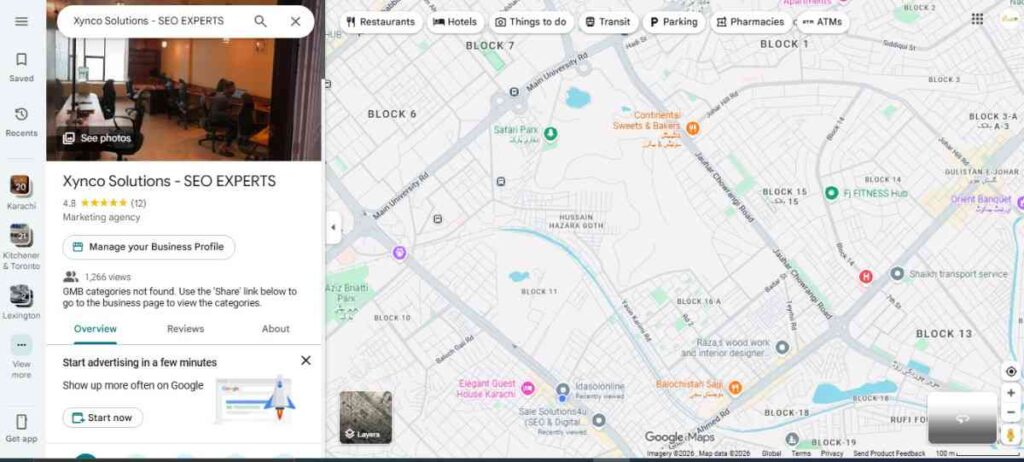
Claiming your Google Business Profile is the first step towards optimization. This ensures that you have control over your business information, which is crucial for local SEO.
How to Claim Your Profile:
- Go to Google My Business (now Google Business Profile) and search for your business.
- If it’s not already listed, you can create a new profile.
- Follow the steps to verify your business via mail, phone, or email.
2. Complete Your Profile & Ensure NAP Consistency
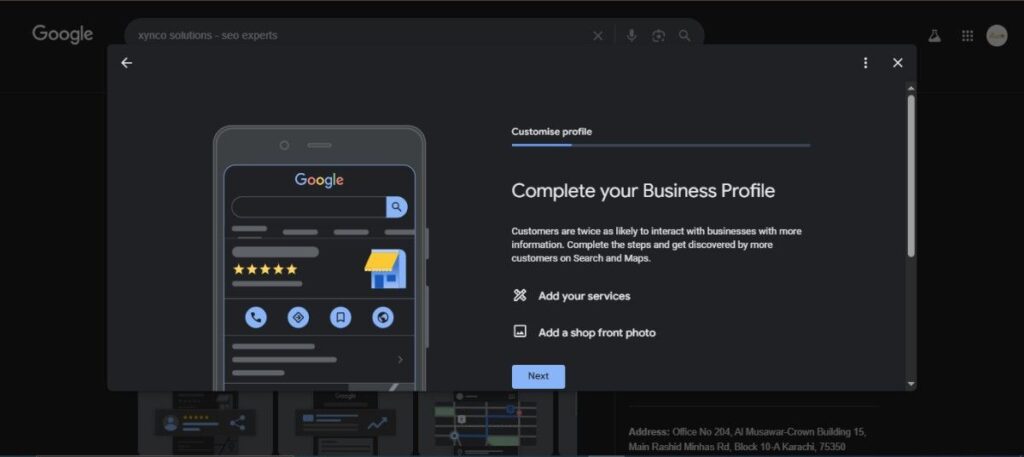
Your NAP (Name, Address, Phone Number) is one of the most important elements for local SEO. Google uses this information to match your business with local search queries. Ensure that your NAP is consistent across all online platforms and directories.
Key Actions:
- Double-check that your business name, address, and phone number match your website and other online profiles.
- Fill out every section of your Google Business Profile, including business hours, website URL, and business description.
- Make sure your Business Hours and Holiday Hours are accurate and up to date.
3. Optimize Business Description & Categories
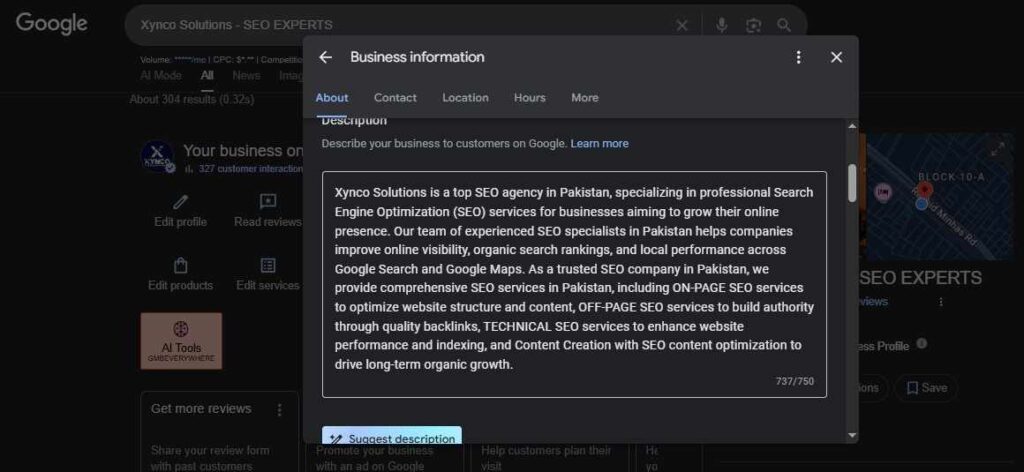
Your business description helps potential customers understand what your business does. Choose relevant categories that match your services, and include local keywords to improve relevance.
Actionable Steps:
- Write a compelling business description with local keywords (e.g., “best digital marketing agency in Karachi“).
- Select the primary and secondary categories that describe your business accurately.
4. Upload Photos & Videos (Geo-tagged)
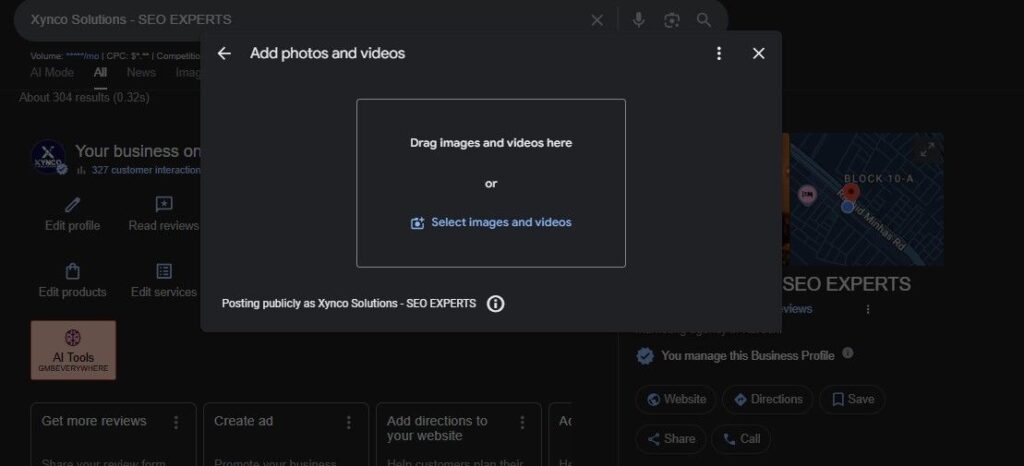
Visual content is powerful in attracting local customers. Google My Business lets you upload photos and videos, which can make your profile more engaging.
Optimization Tips:
- Upload high-quality images, such as your business logo, team photos, and photos of your products or services.
- Use geo-tagging for your photos to help Google associate them with your location.
- Regularly update your photos and add 360° Virtual Tours.
5. Collect & Respond to Reviews
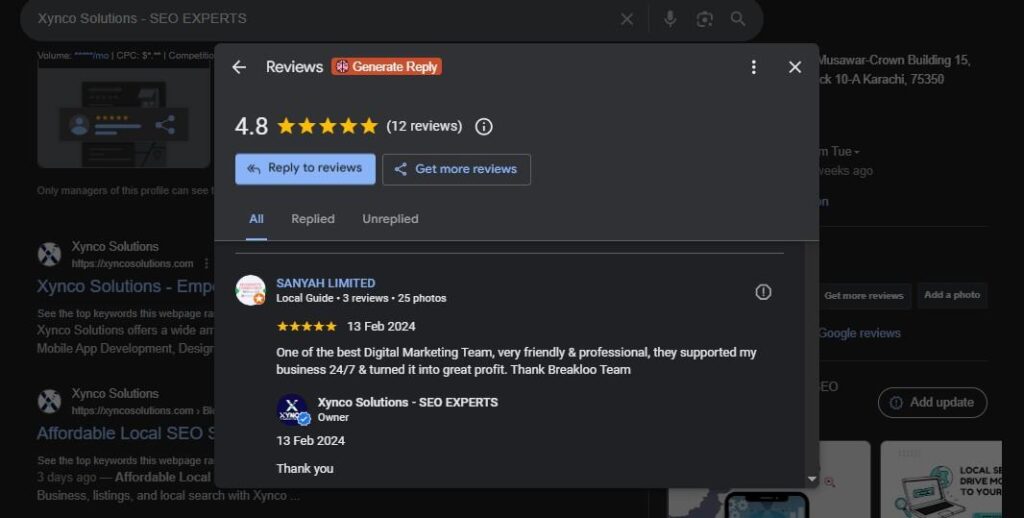
Customer reviews are a crucial ranking factor for local SEO. Not only do reviews help improve your Google Business Profile SEO, but they also build trust with potential customers.
Key Strategies:
- Ask customers to leave reviews on your Google Business Profile.
- Respond to all reviews, both positive and negative, to show that you value feedback.
- Encourage customers to include local keywords in their reviews.
6. Post Regular Updates & Offers
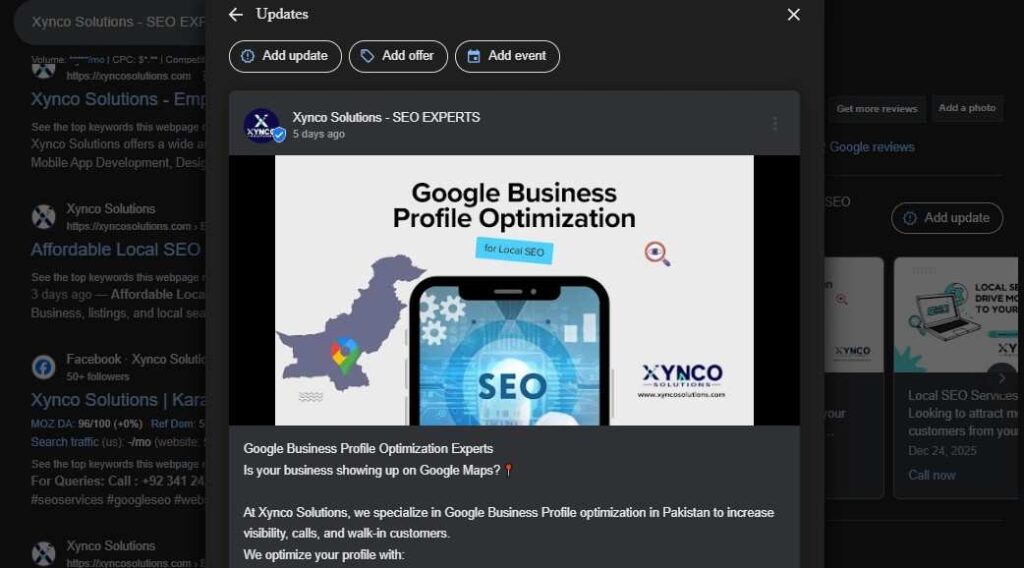
Google allows businesses to post updates, offers, events, and news directly on their Google Business Profile. Regular posts help you stay active and relevant in local searches.
Tips for Posting:
- Share promotions, events, and company news in your posts.
- Use relevant keywords in your post descriptions.
- Add Call-to-Actions (CTAs) like “Call Now,” “Learn More,” or “Book Now.”
7. Set Up Messaging for Customer Engagement
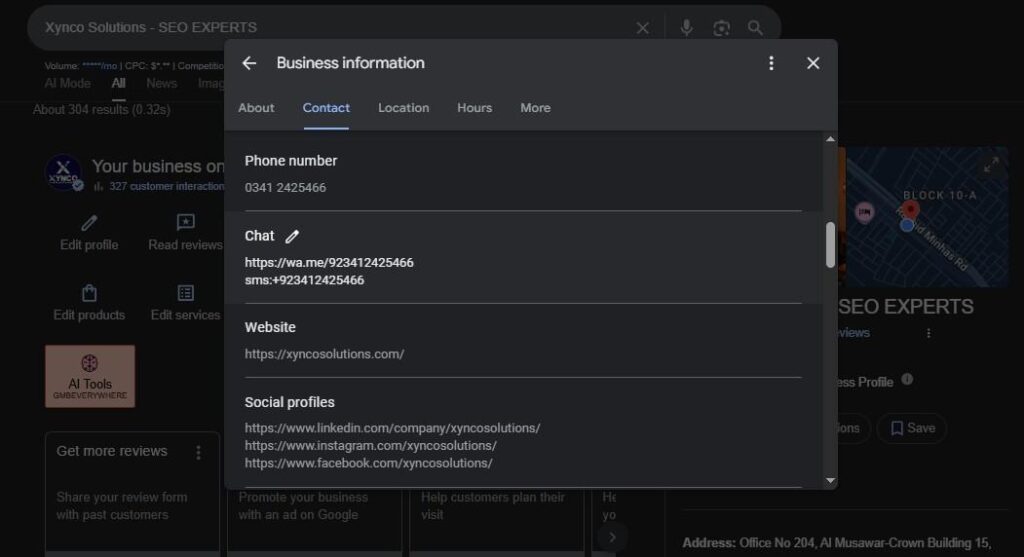
Enable the Google My Business messaging feature to communicate directly with customers. This adds another layer of engagement and helps convert queries into leads.
How to Set Up Messaging:
- Go to your Google Business Profile and enable messaging in the “Business Information” section.
- Respond to messages quickly to increase customer satisfaction and conversions.
8. Add Products & Services
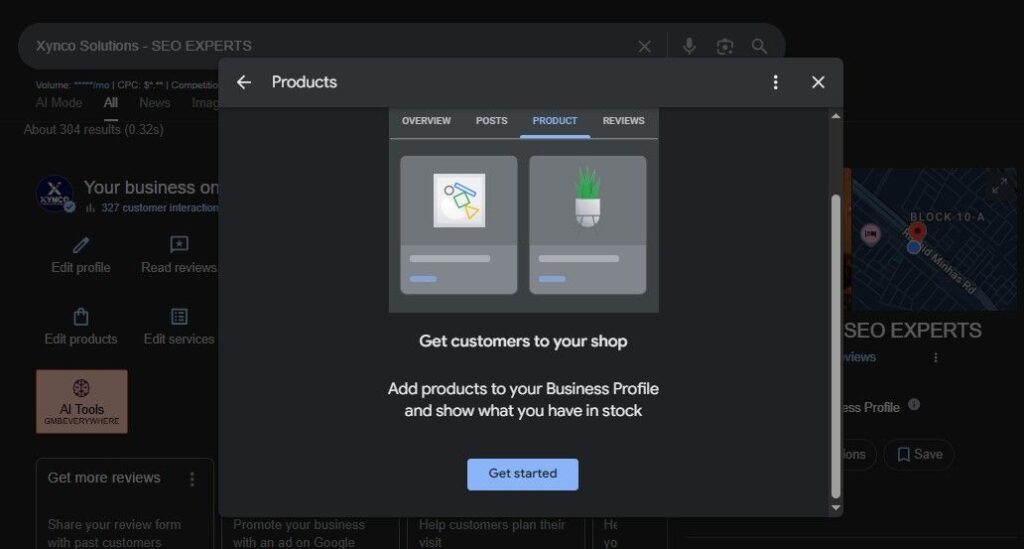
Adding a comprehensive list of your products and services on your Google Business Profile helps customers understand what you offer.
Steps for Optimization:
- List all the services you offer and include relevant details such as pricing and descriptions.
- Use local keywords to describe your products/services (e.g., “web design services in Karachi”).
9. Answer Questions in Q&A
Your Google Business Profile has a Q&A section where users can ask questions about your business. Ensure you actively monitor and respond to questions.
Best Practices:
- Respond to frequently asked questions (FAQs) proactively by adding them to your profile.
- Use relevant keywords in your answers to enhance local SEO.
10. Maintain & Audit Profile Regularly
Your Google Business Profile requires ongoing maintenance. Regular audits ensure that your profile remains up to date and continues to rank well in local search.
Maintenance Tips:
- Ensure all business information is accurate and up to date.
- Regularly upload new photos, posts, and respond to reviews.
- Keep an eye on changes in Google My Business features to stay ahead of the competition.
Common GBP Mistakes to Avoid
- Incomplete Profile: An incomplete profile won’t rank well. Fill out all sections, including hours, business description, and services.
- NAP Inconsistencies: If your Name, Address, and Phone Number are not consistent across platforms, Google may not trust your business.
- Ignoring Reviews: Not responding to reviews or failing to collect reviews can hurt your rankings and credibility.
- Lack of Photos: Businesses with photos are more likely to engage customers. Always keep your photo gallery fresh and complete.
How Xynco Solutions Optimizes Google Business Profiles for Local Rankings
At Xynco Solutions, a top SEO agency in Pakistan, we specialize in Google Business Profile optimization to help businesses rank higher in local search and improve their local SEO. Our approach includes:
- Complete Google Business Profile Setup: We ensure your profile is fully filled out with the right keywords and business details.
- NAP Consistency: We audit your online presence and ensure NAP consistency across all platforms and directories.
- Review Strategy: We create a comprehensive review collection and response strategy to build your reputation.
- Photo Optimization: We geo-tag your photos and upload a variety of images to make your profile visually appealing.
- Ongoing Optimization: We continuously monitor and optimize your Google Business Profile to keep it aligned with the latest local SEO best practices.
FAQs
Why is Google My Business optimization important?
Optimizing your Google Business Profile ensures that your business is visible in local search results and the Local Pack, which increases your chances of attracting more local leads.
How does Google Business Profile affect local rankings?
An optimized Google Business Profile sends strong signals to Google about the relevance and trustworthiness of your business, which directly impacts your local search rankings.
How to rank higher in local search using GMB?
Follow best practices like completing your profile, uploading photos, collecting reviews, and maintaining your profile regularly. Additionally, consistently using local keywords is crucial.
Does Google My Business help SEO?
Yes, Google My Business is an essential tool for local SEO. It helps improve your visibility in Google Maps, increases engagement, and ultimately boosts your search rankings.
Need help optimizing your Google Business Profile? Contact Xynco Solutions today to get expert assistance and start ranking higher on Google!